Toolbar
The top navigation bar provides access to key features and settings within Stratus.
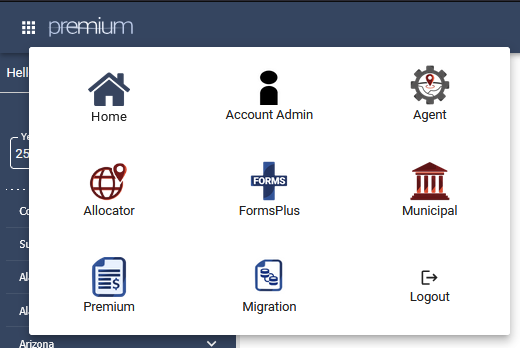
In the top left-hand corner, the waffle menu allows you to navigate between different products and provides the option to log out.
In the top right-hand corner, several icons provide quick access to commonly used features:
• Gear icon – Opens the Product, Print, and Jurisdiction Options.
• Envelope icon – Opens a new email addressed to Support@tritechsoft.com.
• Question mark icon – Provides access to the TriTech Library (Help Files) and Release Notes.
• Bell icon – Opens the Notification frame.
• Person icon – Opens Settings, where you can select the download location for Payment Requests and other forms.

Related Articles
Was this helpful?